Creating a cozy and functional home workspace is essential for staying productive and comfortable, especially as many people work from home more frequently. A well-designed workspace helps you focus, reduces stress, and keeps your workday enjoyable. Whether you have a dedicated room or just a small corner, these tips will help you create an area that balances style and practicality.
Choose the Right Location
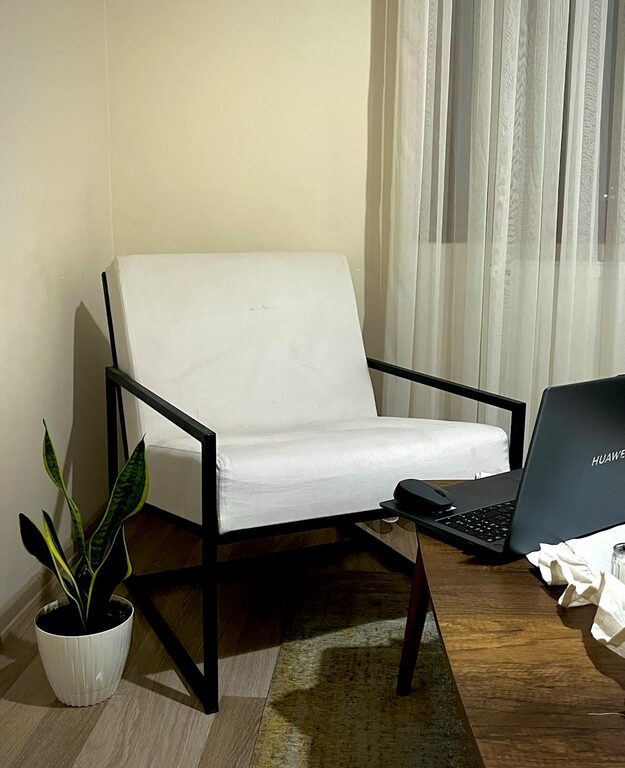
The foundation of a great workspace is the location. Ideally, pick a quiet area with minimal distractions. If possible, avoid spaces that are heavily trafficked, such as the kitchen or living room. A corner in your bedroom, a spare room, or a nook by a window can all work well.
Benefits of Natural Light
Position your desk near a window to take advantage of natural light. Exposure to daylight boosts mood and energy, reducing eye strain. If natural light is limited, ensure you have good quality artificial lighting.
Invest in Comfortable and Supportive Furniture
Comfort is key when working for long hours. Invest in a chair that supports your back and promotes good posture. An adjustable chair allows you to customize height and angle for maximum comfort.
Desk Size and Style
Choose a desk that fits your needs and space. A larger surface provides space for a computer, notebooks, and other essentials, while a smaller desk is better suited for limited spaces. Consider desks with built-in storage to minimize clutter.
Organize with Purpose
Keeping your workspace tidy and organized improves efficiency and reduces distractions. Here are some tips for staying organized:
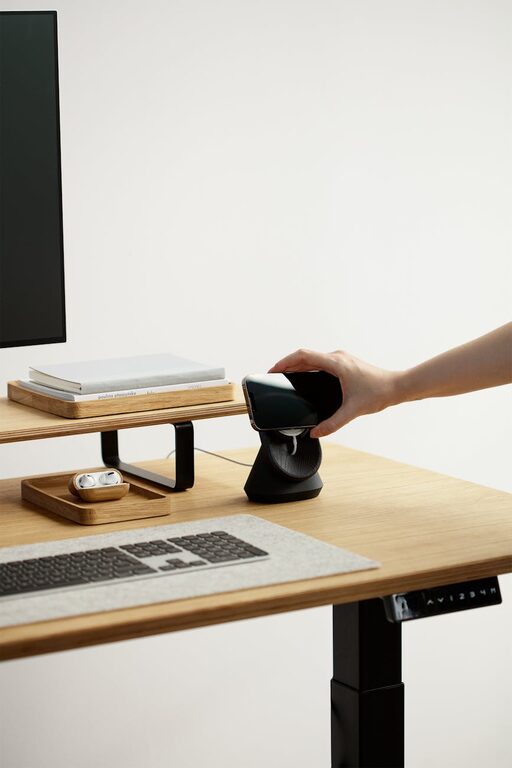
– Use desk organizers or trays to keep pens, papers, and office supplies neat.
– Add shelves or filing cabinets for storing important documents.
– Employ cable management solutions like clips or sleeves to keep wires tidy.
Personalize Your Space
Adding personal touches makes your workspace inviting and inspiring. Choose decor items that reflect your style but avoid cluttering the area.
– Place a few favorite photos or artwork on the wall.
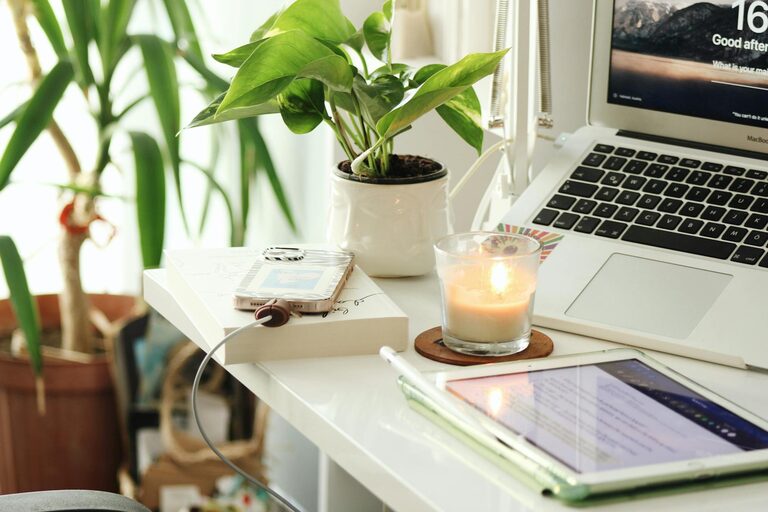
– Add plants to bring life and improve air quality.
– Use calming colors like soft blues, greens, or neutrals to enhance focus.
Control Noise and Distractions
Noise can interrupt concentration. If you can’t choose a quiet spot, try some of these ideas:
– Use noise-canceling headphones or white noise machines.
– Add soft materials like rugs, curtains, or cushions to absorb sound.
– Set clear boundaries with family or roommates about your work hours.
Maintain Good Lighting
Good lighting helps prevent eye strain and headaches. Combine ambient lighting with task lighting:
– A ceiling light or floor lamp provides overall illumination.
– A desk lamp with adjustable brightness focuses light where you need it most.
Incorporate Technology Thoughtfully
Make sure your workspace is tech-friendly:
– Position your monitor at eye level to reduce neck strain.
– Use a wireless keyboard and mouse for flexibility.
– Ensure your Wi-Fi signal is strong to avoid disruptions.
Establish Boundaries Between Work and Home Life
Creating a defined workspace helps mentally separate work from relaxation. When possible, close the door or pack away work materials at the end of the day. This boundary supports better work-life balance.
Keep It Simple and Flexible
Sometimes, less is more. Avoid overcrowding your workspace to keep it functional and relaxing. A minimalist setup with only the essentials can boost productivity. Moreover, consider multipurpose furniture or mobile storage to adapt your space as your needs change.
Final Thoughts
Designing a cozy and functional home workspace takes some planning but is well worth the effort. With the right location, furniture, organization, and personal touches, your workspace can become a place where productivity meets comfort. Start by making small changes and adjust according to what works best for you. A space tailored to your needs will encourage focus and creativity every day.
About the Author