
Creating a productive home office space is essential for anyone working remotely or managing tasks from home. A well-organized and thoughtfully designed workspace can improve focus, boost motivation, and help maintain a healthy work-life balance. Whether you have a dedicated room or just a small corner, these tips will help you create an environment that supports your best work.
Choose the Right Location
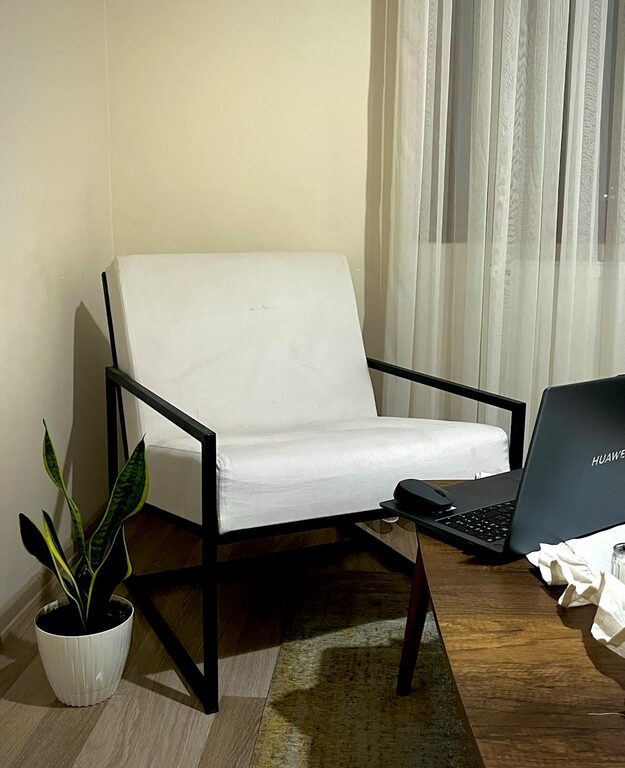
Finding the perfect spot for your home office is the first step. Ideally, select a quiet area with minimal distractions. If possible, use a separate room to clearly divide work time from personal time. If space is limited, a corner in a living room or bedroom can work, but try to define the area visually using a desk, rug, or divider.
Invest in a Comfortable Chair and Desk
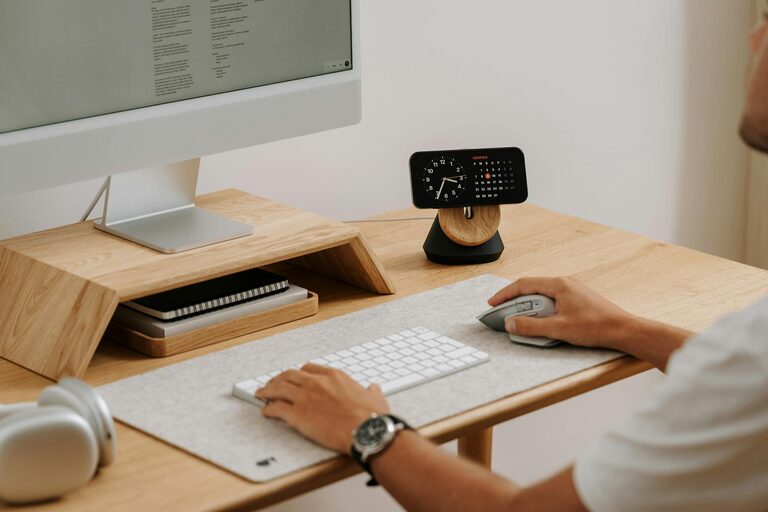
Comfort is key when setting up your home office. Choose an ergonomic chair that supports your back and promotes good posture. Your desk should have enough surface area to hold your computer, documents, and other essentials without feeling cluttered. Adjustable desks can be a great option to alternate between sitting and standing.
Maximize Natural Light
Natural light can enhance mood and energy levels. Position your desk near a window if possible. Avoid placing the computer screen directly in front of or behind a window to reduce glare. If natural light is limited, invest in full-spectrum or daylight bulbs to mimic natural lighting.
Organize with Storage Solutions
Clutter can distract and reduce productivity. Use shelves, filing cabinets, or storage bins to keep supplies and documents organized. Label items to make important materials easy to locate. Cable organizers can help manage cords and reduce mess around your desk.
Personalize Your Workspace
Adding personal touches can make your home office more inviting. Include plants, artwork, or photos that bring you joy and inspiration. However, keep decorations minimal to avoid overwhelming the space.
Set Up Technology Efficiently
Ensure your internet connection is strong and reliable. Use quality headphones or speakers for virtual meetings, and keep essential devices like printers or scanners within easy reach. Regularly update your software and back up important files to avoid technical interruptions.
Establish a Daily Routine
Creating a schedule helps simulate an office environment. Set regular working hours, take breaks, and stick to your routine as much as possible. Use timers or apps to remind you to stand, stretch, or rest your eyes.
Minimize Noise and Distractions
If noise is an issue, consider soundproofing options like rugs, curtains, or foam panels. Noise-cancelling headphones can also help maintain focus. Communicate your work hours to family or housemates to reduce interruptions.
Maintain Good Air Quality and Temperature
A comfortable temperature and fresh air contribute to concentration. Open a window when possible or use fans and air purifiers. Keep the temperature moderate to avoid discomfort that can affect productivity.
Keep Your Workspace Clean
Regularly clean and tidy your home office. A clean environment reduces stress and creates positive energy, making it easier to stay focused throughout the day.
Use Productivity Tools
Utilize tools like task management apps, calendars, and time trackers to organize your work effectively. These tools help prioritize tasks, set deadlines, and monitor progress.
—
By following these tips, you can create a home office space that not only supports your professional needs but also promotes well-being and comfort. A productive workspace is a great foundation for success when working from home.
About the Author