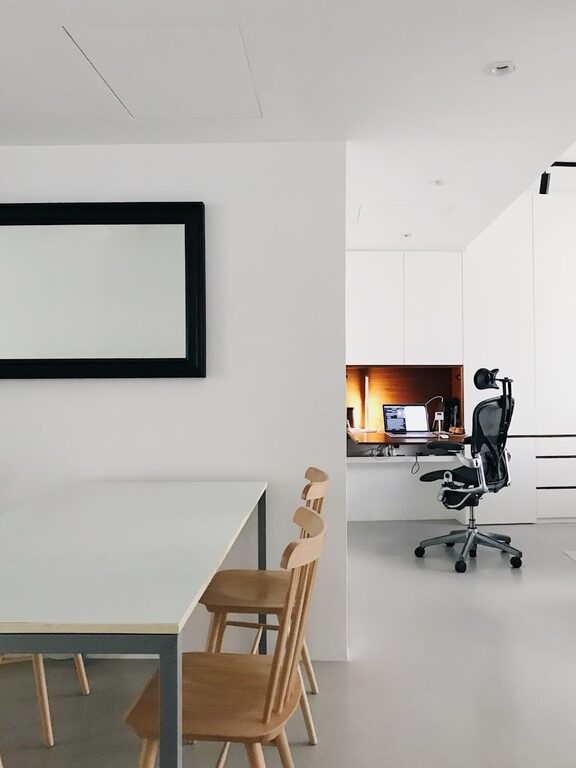
Creating a cozy and functional home office is essential for anyone who works remotely or spends significant time on personal projects. A well-designed workspace not only boosts productivity but also makes working more enjoyable. Whether you have a dedicated room or just a small corner, you can set up a space that feels comfortable and meets your work needs. Here are some practical tips to help you create an inviting and efficient home office.
1. Choose the Right Location
Selecting the best spot in your home for your office is the first and most important step.
– Natural Light: Try to position your desk near a window to take advantage of natural light, which can improve mood and focus.
– Quiet Area: Choose a space away from high-traffic zones to minimize distractions.
– Sufficient Space: Ensure there’s enough room for your desk, chair, and any equipment or storage you may need.
2. Invest in Comfortable and Ergonomic Furniture
Comfort is key when spending hours at a desk.
– Ergonomic Chair: Use a chair that supports your back and encourages good posture.
– Proper Desk Height: Your desk should allow your arms to rest comfortably at a 90-degree angle.
– Adjustable Furniture: If possible, consider a height-adjustable desk so you can switch between sitting and standing positions.
3. Organize with Smart Storage Solutions
Clutter can distract and reduce your productivity. Keeping things organized will help maintain a clear mind.
– Shelves and Cabinets: Use wall shelves or cabinets to store books, files, and supplies.
– Desk Organizers: Small containers or trays can keep stationery and miscellaneous items tidy.
– Cable Management: Use clips or sleeves to keep cords neat and prevent tangling.
4. Add Personal and Cozy Touches
Make your office a place where you want to spend time.
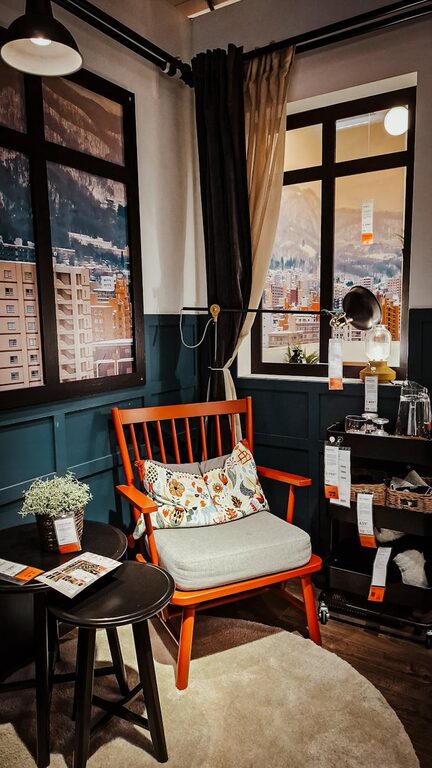
– Soft Textiles: Incorporate cushions, rugs, or throws for added comfort.
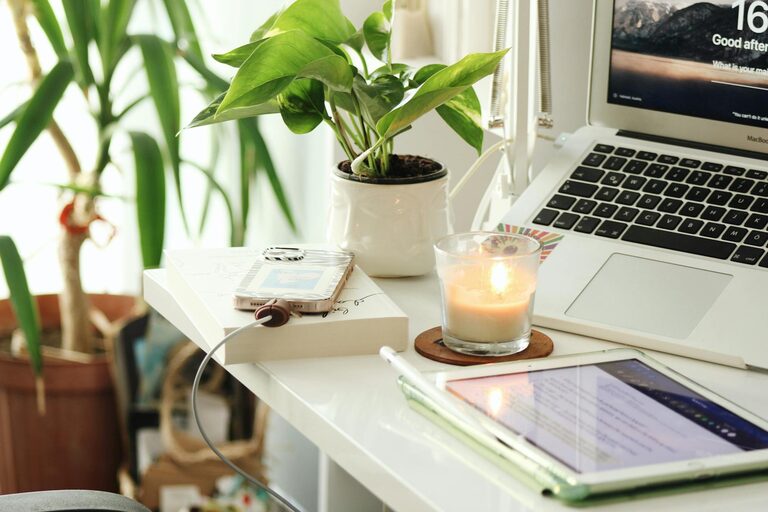
– Plants: Adding greenery can improve air quality and create a calming atmosphere.
– Artwork or Photos: Decorate walls with pictures or artwork that inspire and motivate you.
– Lighting: Layer your lighting – use a good desk lamp, overhead light, and perhaps some warm fairy lights for a cozy feel.
5. Keep Technology Efficient and Accessible
Having the right tech setup will make your workflow smoother.
– Reliable Internet: A strong Wi-Fi connection or wired ethernet improves communication and fast browsing.
– Monitor and Accessories: A larger monitor or dual screens can help with multitasking; consider wireless keyboards and mice for flexibility.
– Charging Station: Set up a space where you can easily charge devices without clutter.
6. Maintain a Functional Layout
Arrange your workspace thoughtfully to optimize comfort and efficiency.
– Desk Placement: Facing the door or window can reduce feelings of confinement.
– Clear Desk Policy: Keep your desktop clear except for essentials to reduce distractions.
– Zones: If space allows, create zones for different activities like computer work, reading, or brainstorming.
7. Control Noise and Minimize Distractions
A quiet environment helps concentration.
– Noise-Cancelling Headphones: Useful to block out background noise.
– Soundproofing: Use rugs, heavy curtains, or foam panels to dampen sound.
– Set Boundaries: Inform family members or roommates of your working hours to reduce interruptions.
8. Personalize with Your Work Style in Mind
Everyone works differently, so adapt your space to fit your habits.
– Inspiration Board: Use a bulletin board or whiteboard for notes and reminders.
– Flexible Furniture: Use mobile carts or foldable furniture if you frequently rearrange the space.
– Break Area: Include a small corner for stretching or quick breaks to refresh your mind.
—
Final Thoughts
Designing a cozy and functional home office doesn’t have to be complicated or expensive. By focusing on comfort, organization, and personalization, you can create a workspace that supports your productivity and well-being. Take time to adjust your setup until it feels right for you—your ideal home office is a space where work and comfort come together seamlessly.
About the Author