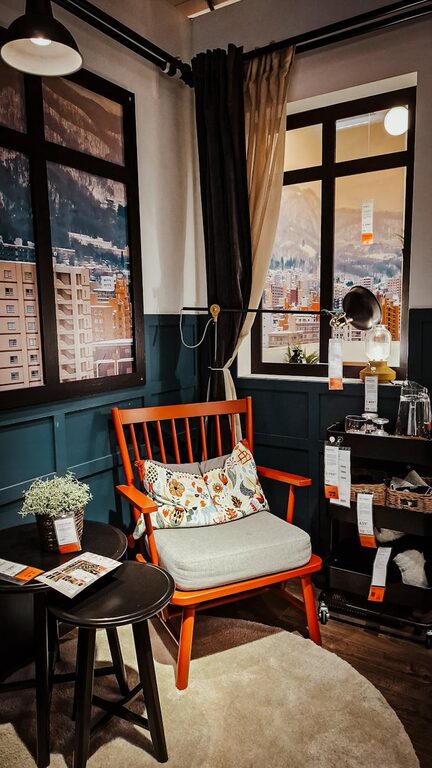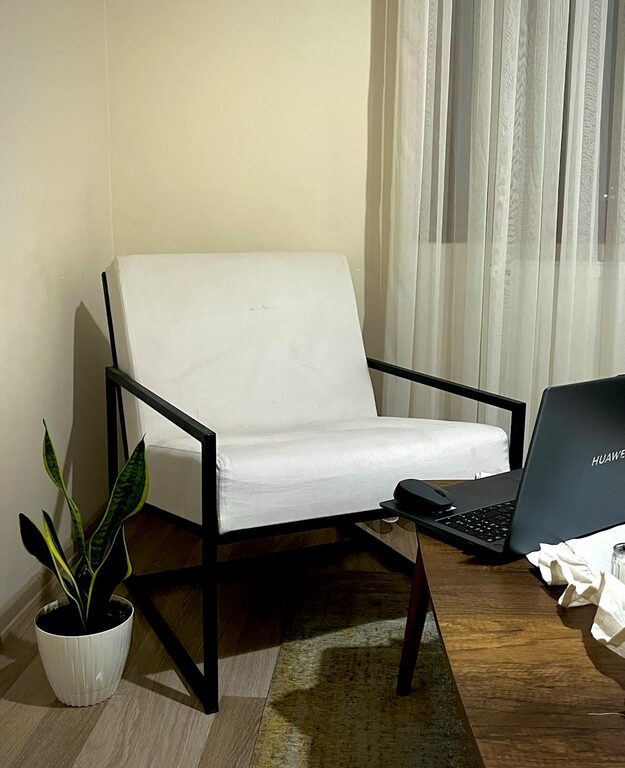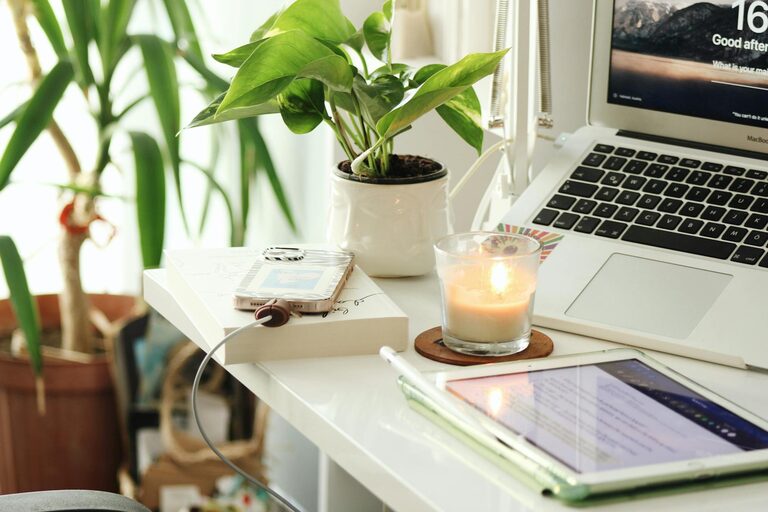
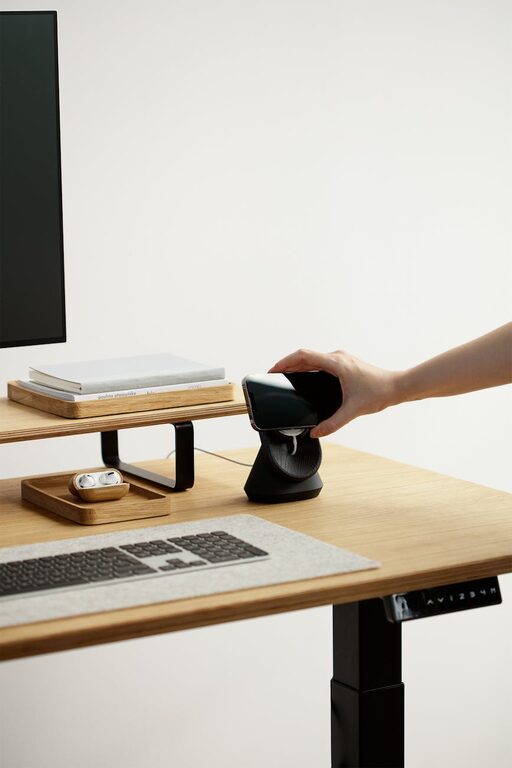
Setting up a home workspace that is both cozy and functional is essential for anyone who spends a significant amount of time working from home. A well-designed area can boost productivity, reduce stress, and help maintain a healthy work-life balance. Whether you have a dedicated room or just a small corner, these tips will help you create a space that feels inviting and supports your daily tasks.
Choose the Right Location
Selecting the right spot for your home workspace can make a huge difference in your comfort and focus.
– Natural Light: Try to place your desk near a window to benefit from natural light. It helps reduce eye strain and can improve mood.
– Quiet Area: Find a quiet corner away from household noise and distractions.
– Space Availability: Ensure you have enough room for essential items like your computer, notebooks, and any other work materials.
Invest in Ergonomic Furniture
Comfort is key when you spend long hours working. Ergonomic furniture supports your body and prevents discomfort.
– Desk: Choose a desk with enough surface area to accommodate your equipment and allow for comfortable movement.
– Chair: An adjustable chair with good lumbar support helps maintain good posture.
– Alternatives: Consider a sit-stand desk or ergonomic accessories like footrests and wrist supports.
Organize with Purpose
Clutter can distract and reduce efficiency. A well-organized space makes work flow smoothly.
– Storage Solutions: Use shelves, drawers, or boxes to keep supplies tidy and within reach.
– Cable Management: Employ clips or cable organizers to avoid tangled wires.
– Minimalism: Keep only what you need on your desk to maintain focus.
Personalize Your Space
Adding personal touches can make your workspace feel welcoming and motivate you.
– Decor: Choose artwork, plants, or photos that bring you joy without overwhelming the space.
– Colors: Use calming or inspiring colors that suit your taste and encourage concentration.
– Lighting: Supplement natural light with adjustable lamps to reduce eye strain during evening hours.
Prioritize Good Lighting
Adequate lighting is important for reducing fatigue and maintaining alertness.
– Task Lighting: Position a desk lamp with adjustable brightness to illuminate your work area.
– Avoid Glare: Arrange your monitor and light sources to prevent glare on screens.
Manage Noise Levels
Sound levels can affect how well you focus. Depending on your needs, try these options:
– Noise Cancelling Headphones: These are great for blocking out distractions.
– Background Music: Soft instrumental music can aid concentration for some people.
– White Noise Machines: They mask disruptive sounds and create a consistent audio environment.
Maintain Air Quality and Comfort
A fresh and comfortable atmosphere supports wellbeing throughout the workday.
– Ventilation: Open windows when possible or use an air purifier.
– Temperature Control: Adjust heating or cooling to a comfortable level.
– Plants: Indoor plants can improve air quality and add a touch of nature.
Establish Boundaries and Routine
Creating physical and mental boundaries helps separate work from relaxation.
– Defined Space: Use room dividers or rugs to mark your workspace, especially in shared rooms.
– Work Hours: Set clear start and end times to your workday.
– Breaks: Take regular short breaks to stretch and recharge.
Final Thoughts
Designing a cozy and functional home workspace is about balancing comfort and productivity. By selecting the right location, investing in ergonomic furniture, keeping organized, and personalizing your environment, you can create a space where work feels less like a chore and more enjoyable. Small changes can make a big impact in how you feel and perform during your workday. Take time to evaluate your current setup and make adjustments that suit your needs best. Your home workspace should support not only your tasks but also your overall well-being.
About the Author